
Computer and application fixes
We troubleshoot slow computers, software errors, Outlook, printers and access to company files.
With your permission, we connect to the affected device and work through the fault with the user.
Outlook won’t open, a laptop is painfully slow or someone cannot reach a shared file? UnifyIT connects to the affected computer, investigates the cause and carries out the fix. Get help for office and remote staff, either through managed support or a booked troubleshooting session.
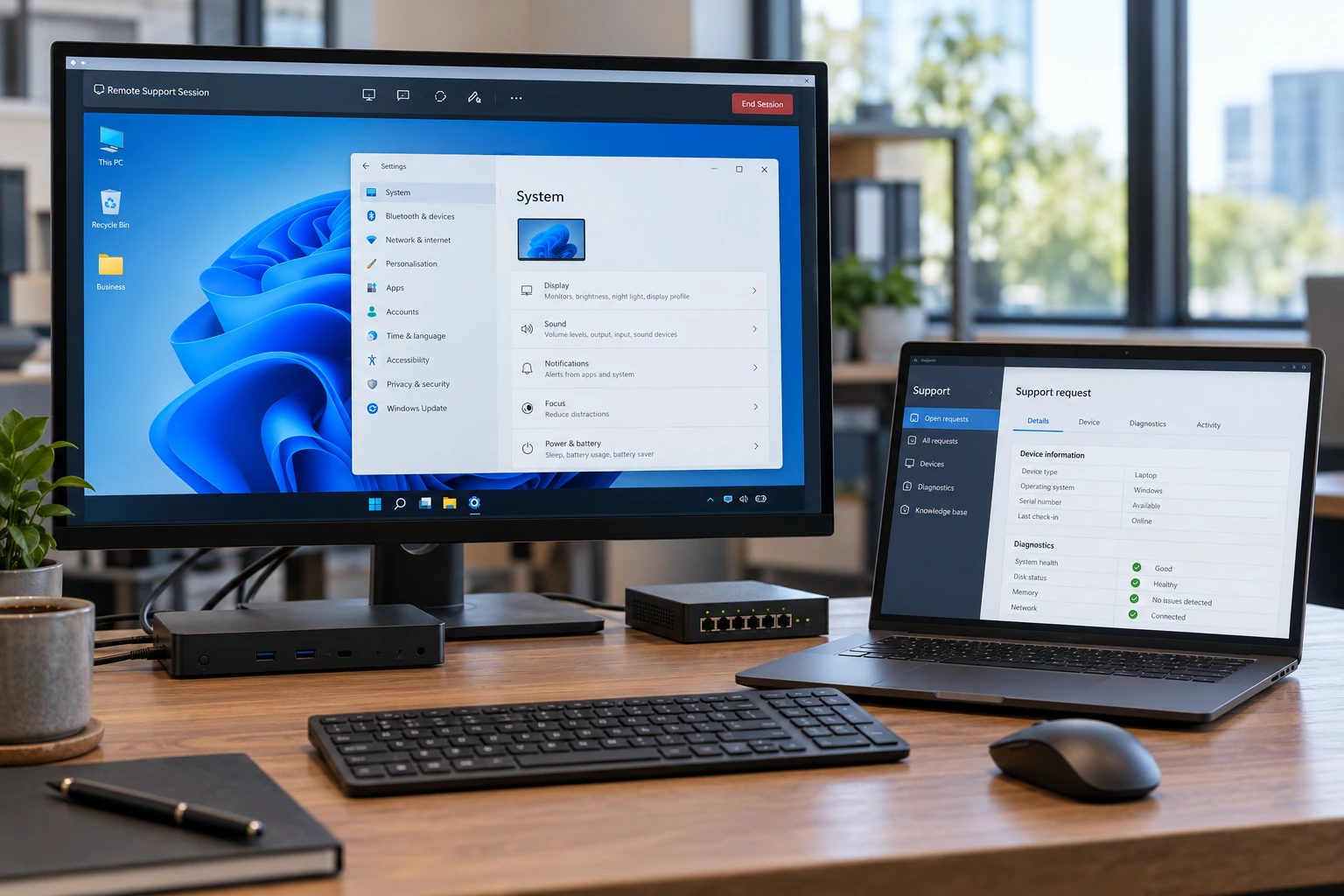
You get someone doing the technical work, explaining what has happened and taking the next step. We check the device, account and services involved so your employee does not have to diagnose the problem or chase several suppliers.
We troubleshoot slow computers, software errors, Outlook, printers and access to company files.
With your permission, we connect to the affected device and work through the fault with the user.
We fix Microsoft 365 sign-in and email issues, set up accounts and shared mailboxes, and make approved access changes.
Staff get the services they need without someone in your business becoming the administrator.
We check the connection and application, record our findings and contact the relevant software or internet supplier when needed.
Your team has one investigation to follow rather than repeatedly explaining the problem.
On a managed plan, we monitor covered devices, apply scheduled updates and investigate alerts.
You get ongoing maintenance as well as help when something breaks; a one-off troubleshooting booking covers the booked fault.
Tell us who is affected and what they cannot do. We arrange authorised access, diagnose the fault and carry out the repair or configuration change. We check the result with the user and record the outcome. If hardware or a site visit is needed, we explain the next step and its cost before booking it.
Talk through your requirements ↗No. Physical failures, installation and some connectivity issues require on-site work. We diagnose what we can and coordinate the next action.
Access and support tooling are agreed for the service. Permissions and unattended access are configured to the supported environment.
Tell us what is going wrong and how many people are affected. We’ll help you choose a troubleshooting session or an ongoing support plan.