
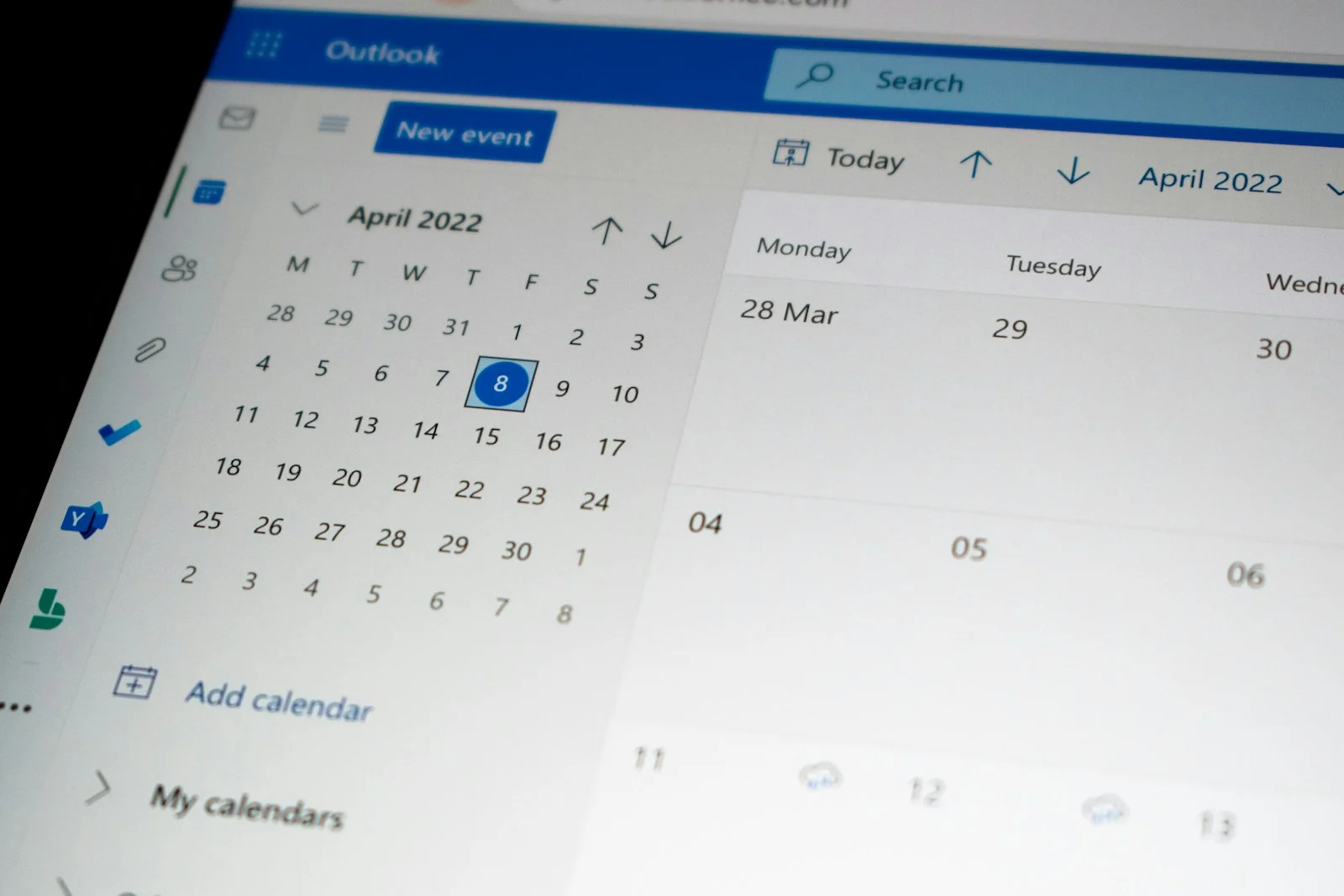
Microsoft 365 outage: should your business keep more IT on site?
What the November outage means for business continuity, when local infrastructure makes sense, and how to prepare cloud, on-site and hybrid systems to keep essential work moving.
Read article →Latest articles

Will your scanner and business apps still send email after December?
Microsoft 365 is changing an older email sign-in method. Check your scanners, invoice software and automated messages before the December 2026 default change.
Read more →
Local or cloud: is your business ready to recover its data?
Shared folders, legacy systems and Microsoft cloud services all need a recovery plan. Here is how to review where your data lives, what protects it and how your team gets back to work.
Read more →
PHP2Shell: what your business needs to check now
Critical PHP vulnerabilities have put websites and business applications at risk. Here is what to ask your hosting or IT provider, what needs updating, and why a plugin update is not enough.
Read more →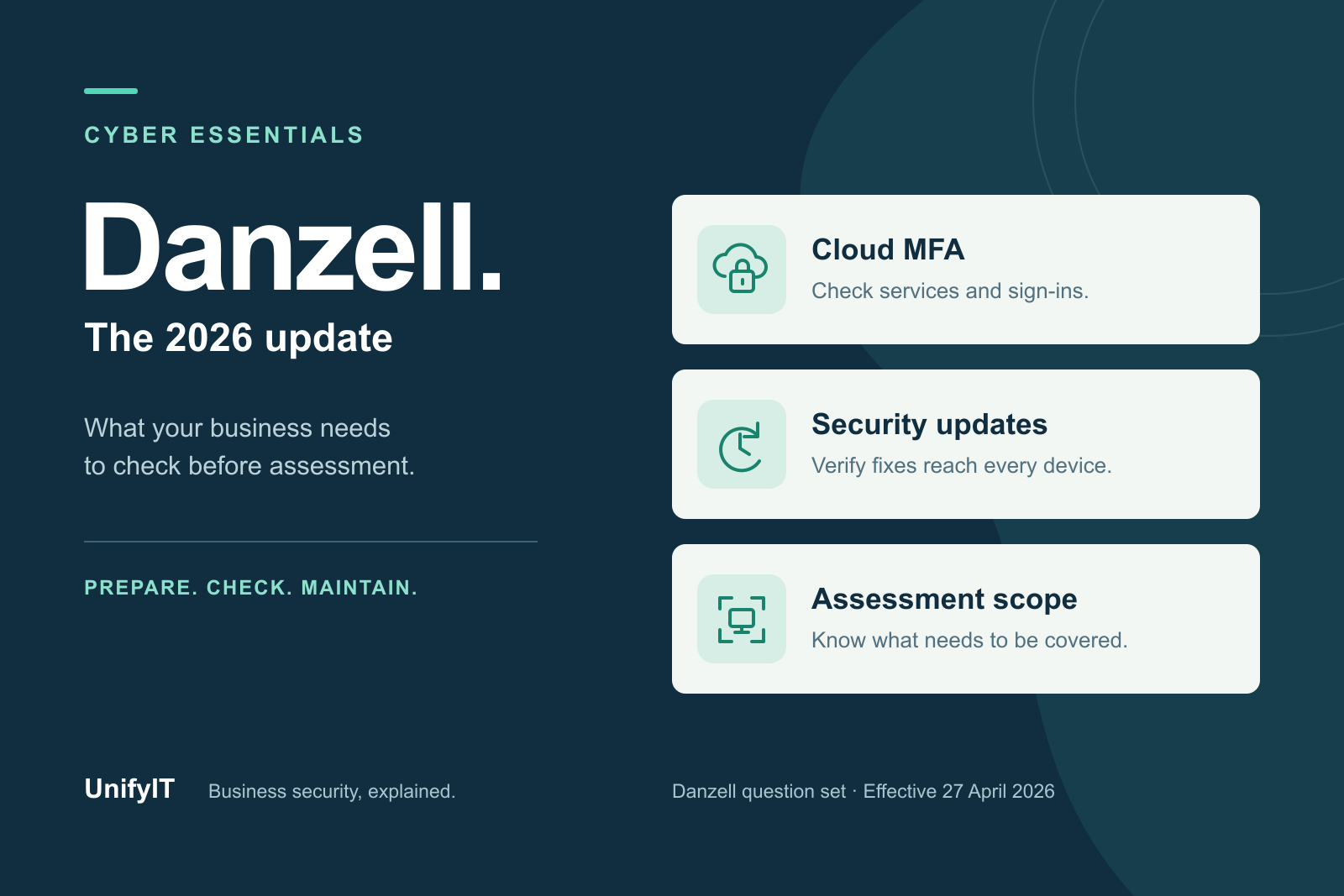
Cyber Essentials Danzell: how to prepare your business for certification
The April 2026 update puts cloud access, security updates and assessment scope under sharper scrutiny. Here is what to check before your next assessment and how to keep the controls working afterwards.
Read more →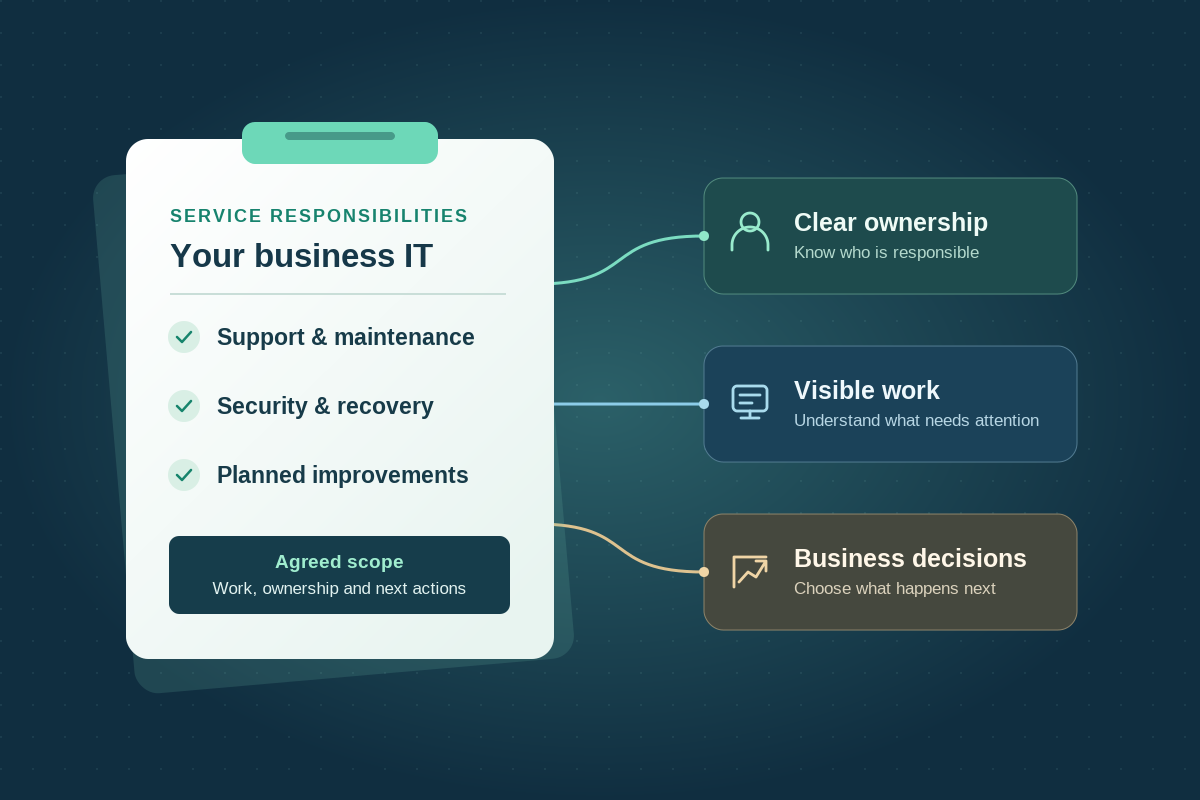
What should your IT provider take responsibility for?
Support calls are only one part of the relationship. A practical guide to agreeing who manages your systems, follows up problems and helps you plan ahead.
Read more →
Are you paying for Microsoft 365 licences you don't use?
A practical licence review: reconcile invoices and users, handle leavers safely, compare plans and confirm when savings can actually take effect.
Read more →
Is your Microsoft 365 data really backed up?
Find out what is protected, define what your business needs back and run a restore test that checks usable information rather than a successful job alone.
Read more →
Cyber Essentials for small businesses: what's involved
How to prepare for Cyber Essentials: agree your scope, check the five controls, assign the improvements and get the right information ready for assessment.
Read more →Copilot readiness: what to sort before you switch it on
Choose a useful pilot, check the product and permissions, improve the source information and measure whether Copilot helps your team complete real work.
Read more →Multi-factor authentication: the easiest security win
Build a practical MFA rollout: identify important accounts, choose suitable methods, test sign-ins and plan secure recovery for lost devices and staff changes.
Read more →Switching IT provider without the headache
Access, documentation, backups and the handover checks to agree, plus how UnifyIT can coordinate your move.
Read more →Shadow AI: when staff use AI tools you haven't approved
Find out which AI tools staff use, assess the information and access involved, and give teams a practical approved route with clear rules and human review.
Read more →SharePoint or OneDrive: where should your files live?
Decide where work files belong, agree ownership and permissions, and plan a small migration that avoids competing copies and awkward staff handovers.
Read more →What phishing emails look like now
Practical checks for suspicious emails, invoice changes and fake sign-in requests, plus a clear reporting process and what to do after someone interacts.
Read more →