

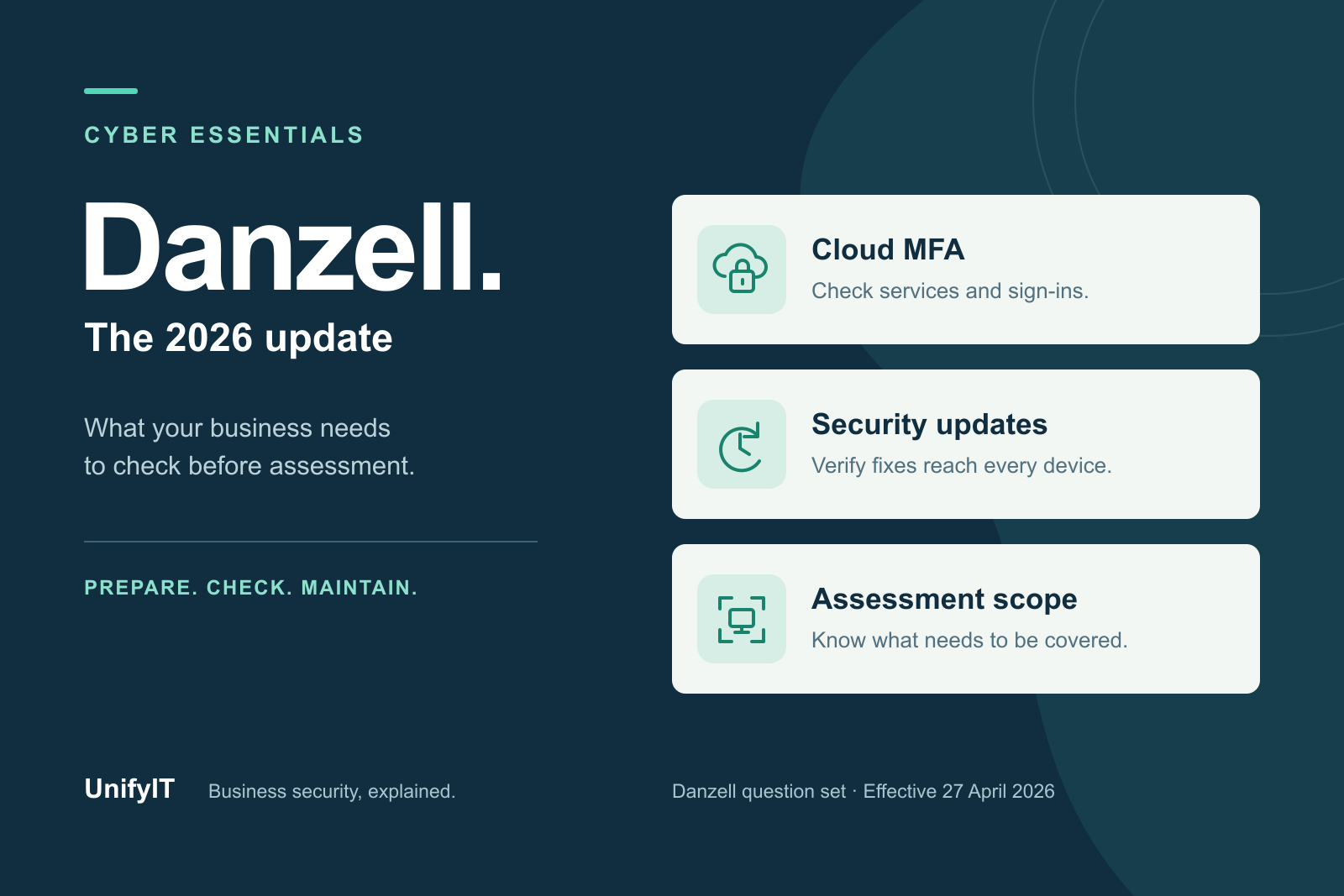
Danzell is the current Cyber Essentials question set. If you are preparing for a new assessment or renewal, start with the current official documents.
Danzell is already in force
Danzell is IASME’s updated Cyber Essentials self-assessment question set, aligned with the NCSC’s Requirements for IT Infrastructure v3.3. It applies to assessment accounts created from 27 April 2026.
This is an update to Cyber Essentials, rather than a separate “Danzell certificate”. The scheme still covers five technical controls: firewalls, secure configuration, security update management, user access control and malware protection. The practical task is to check your business against the current requirements before submitting answers.
If you already hold a certificate, use your next renewal as a planning deadline. Ask your certification body which version applies to any assessment already in progress. Avoid copying last year’s answers without checking the environment they describe.
Check every cloud account
IASME’s updated marking makes missing multi-factor authentication (MFA) an automatic failure where a cloud service offers it. Availability includes a free, bundled, connected or paid option. A service that genuinely cannot support MFA needs to be identified accurately.
Start with a list of business cloud services, then check how people actually sign in. Email is only one entry. Include finance, customer records, file sharing, HR, remote-access portals and other services your staff use for business data.
- Check users and administrators. A policy covering staff may leave a separate administrator account outside it.
- Check enforcement. Someone registering an authentication method does not, by itself, prove that the required sign-ins use it.
- Plan the rollout. Give staff clear enrolment instructions and a controlled recovery route. Include any subscription changes needed to make the feature available.
Keep a record of the settings checked, any exceptions and who owns the follow-up. IASME’s cloud MFA guidance explains the assessment position.
Prove your update process works
The 2026 marking also makes the operating-system/firmware and application update questions automatic-failure points. The NCSC requirements call for relevant vulnerability fixes within 14 days of release when rated critical or high risk, scored CVSS v3 7 or above, or supplied without severity details.
Look beyond Windows updates. Browsers, office applications, extensions and router or firewall firmware can all need attention. In-scope software must also be licensed and supported, with automatic updates enabled where possible.
Ask your IT team or provider to show which devices are overdue, which installations failed and which machines have stopped reporting. A dashboard saying “updates enabled” is less useful than knowing whether the updates reached the equipment.
Agree who investigates failed deployments and how overdue work is escalated. If an older application prevents an update, treat that as a business decision to resolve early: investigate an upgrade, replacement or an assessment-appropriate alternative with the relevant suppliers and assessor.
Build an accurate picture of your scope
The current requirements explicitly include cloud services that host organisational data or services; those cloud services cannot simply be left out of scope. Scope also needs to describe the organisation and its systems accurately, including any justified exclusions.
A practical starting point is to reconcile three lists: the people who need access, the equipment they use and the applications holding business information. Compare what finance pays for with what staff actually use. Include remote working and personally owned equipment where relevant to the assessment.
Record owners alongside the entries. Your accounts team may know about a finance platform that IT has never administered; a department manager may own a separate file-sharing subscription. Those conversations often uncover the gaps that delay an application.
For uncertainty about a particular device, service or proposed exclusion, get clarification from your certification body before treating it as settled.
Prepare properly for Cyber Essentials Plus
Cyber Essentials Plus adds independent technical verification. Under the updated approach, an update-management retest covers both the original sample and a new random sample. Fixes need to cover the wider scope; patching only the machines first tested is inadequate. IASME also says verified self-assessment answers must be finalised before Plus testing starts and cannot be changed in response to those test results.
Ask for a readiness check across the environment before booking the technical assessment. Allow time to investigate the results, apply changes and verify them again.
Turn the gaps into an owned plan
Preparation works best when each finding has an owner, an action and a way to confirm completion. Use a short action register rather than a collection of unanswered emails.
Bring these to your readiness review
- Current inventory: devices, operating systems, key software, cloud services and account owners.
- Access checks: MFA coverage, administrator accounts and the process for people joining, changing roles or leaving.
- Update results: overdue fixes, failed installations and software approaching the end of support.
- Configuration checks: firewall rules, unnecessary services, default settings and malware protection.
- A decision list: purchases, replacements and configuration changes that need business approval.
- A review date: when completed work will be checked before the assessment submission.
Download the current questions before preparing your answers. Give your provider enough time to verify the technical detail, and make sure the person signing off the submission understands any remaining gaps. Describe controls that are operating, rather than changes still sitting on a to-do list.
Schedule preparation around your own constraints: busy trading periods, staff availability, supplier lead times and equipment replacement. Allow time to obtain technical information, make decisions and verify the resulting changes before submission.
Get value beyond the certificate
A well-run preparation exercise can give the business a clearer view of its systems, fewer forgotten accounts and subscriptions, and an agreed owner for routine security work. It can also make conversations with customers and suppliers more concrete because you can explain what is covered and how it is maintained.
Keep that information useful after assessment. Review new applications before staff adopt them, remove access when it is no longer needed, and keep update failures visible. Set a regular review with your IT provider so the next renewal builds on an operating process.
Certification is one part of managing business risk. Keep backup, recovery planning and the other security measures your business needs alongside the five Cyber Essentials controls.
Get your business ready for its next assessment
UnifyIT can review your devices, cloud access and configuration, identify technical gaps and help carry out agreed improvements. Your appointed certification body makes the certification decision.
Discuss Cyber Essentials preparation