

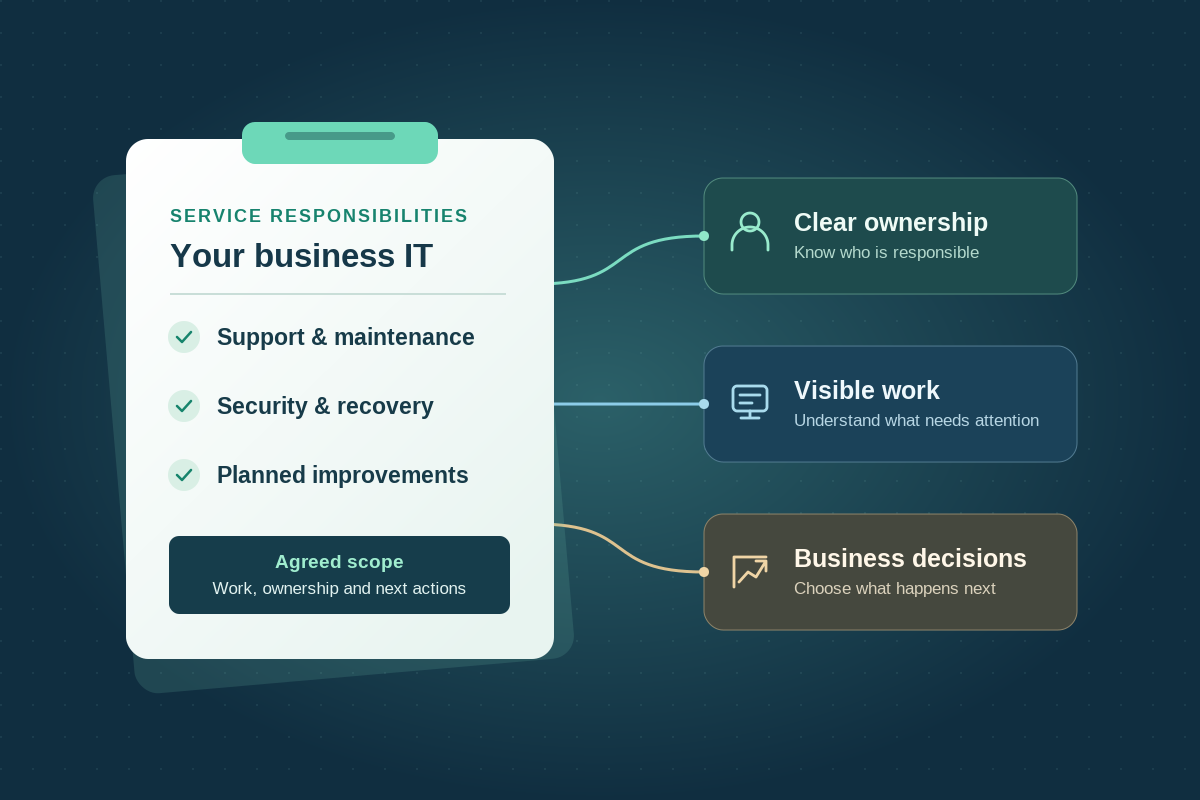
Start with a shared picture of the service
A small business can buy IT support and still be unsure who is looking after its systems between calls. The most useful starting point is a written description of the equipment, accounts and services covered, and the work the provider will perform.
Separate ongoing management from additional projects. A support agreement might include device updates and account administration, while an office move or application migration needs its own proposal. Neither arrangement is inherently better; what matters is knowing the boundary before work is needed.
Know who carries a fault through to its next action
When an application stops working, the first response may not solve the underlying problem. Ask how investigations are recorded, who coordinates with software or connectivity suppliers, and how you will hear about progress.
A useful update identifies the affected service, the action under way and anything needed from your business. Repeated incidents should feed into a review of causes and possible improvements. A closed ticket is less useful if the same fault returns every week.
Make routine protection an assigned responsibility
Device updates, account protection and access changes need owners. Ask which computers are managed, who reviews failed updates, and how new accounts and departing users are handled. Security software alone does not tell you whether these jobs are being completed.
The NCSC's small-organisations guidance covers protecting accounts and devices, recognising attacks and backing up important information. Use those areas to start a conversation about what your provider manages and what your business must do itself.
Ask about recovery, not only backup software
Agree which business information needs backing up, how failed jobs are followed up and what restore checks will be performed. Include cloud services in that conversation rather than assuming every subscription includes the recovery you need.
Your business also needs to identify the information and systems it would restore first. Ask your provider to explain the recovery arrangements and any gaps in language you can use to make a decision. A backup status screen cannot make those priorities for you.
Keep business decisions with the business
Technical advice should help you choose, rather than leave you with a list of products. For a proposed replacement or change, ask for the reason, the cost, the interruption involved and what support will be needed afterwards.
Keep a named business contact who can authorise spending and approve access. Your provider can recommend an approach and carry out agreed work; your business should remain able to understand its commitments and retrieve the records it owns.
Use the next review to close the gaps
You do not need a lengthy presentation to make the relationship more useful. Bring four questions to the conversation:
- Which systems and routine tasks are covered today?
- What work or risk is currently outstanding, and who owns it?
- Which changes need a budget or a business decision?
- What would happen if a key system failed tomorrow?
Write down the answers, including exclusions and approvals. That gives both sides something concrete to work from and a useful reference when the business changes.
Further reading: NCSC: cyber security for small organisations.